Smart call routing that eliminates phone tag and transfers, so customers reach exactly who they need without the runaround.
Connect faster
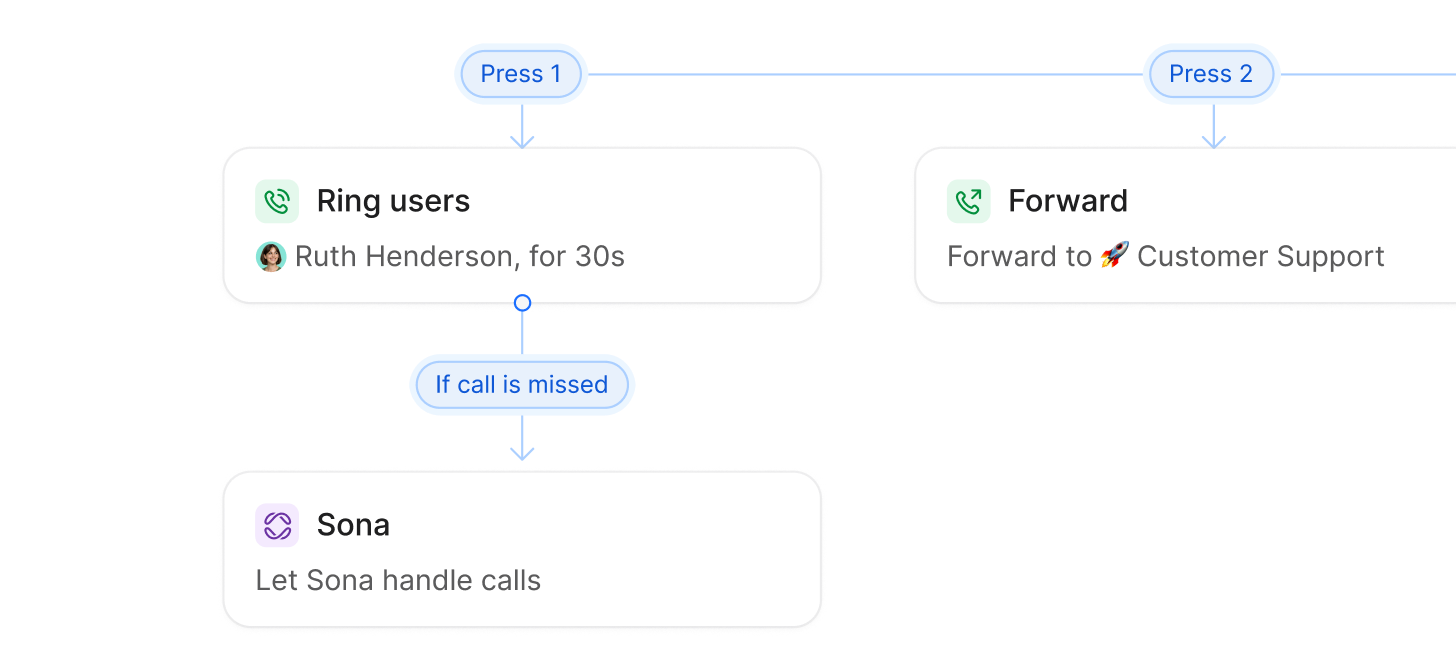
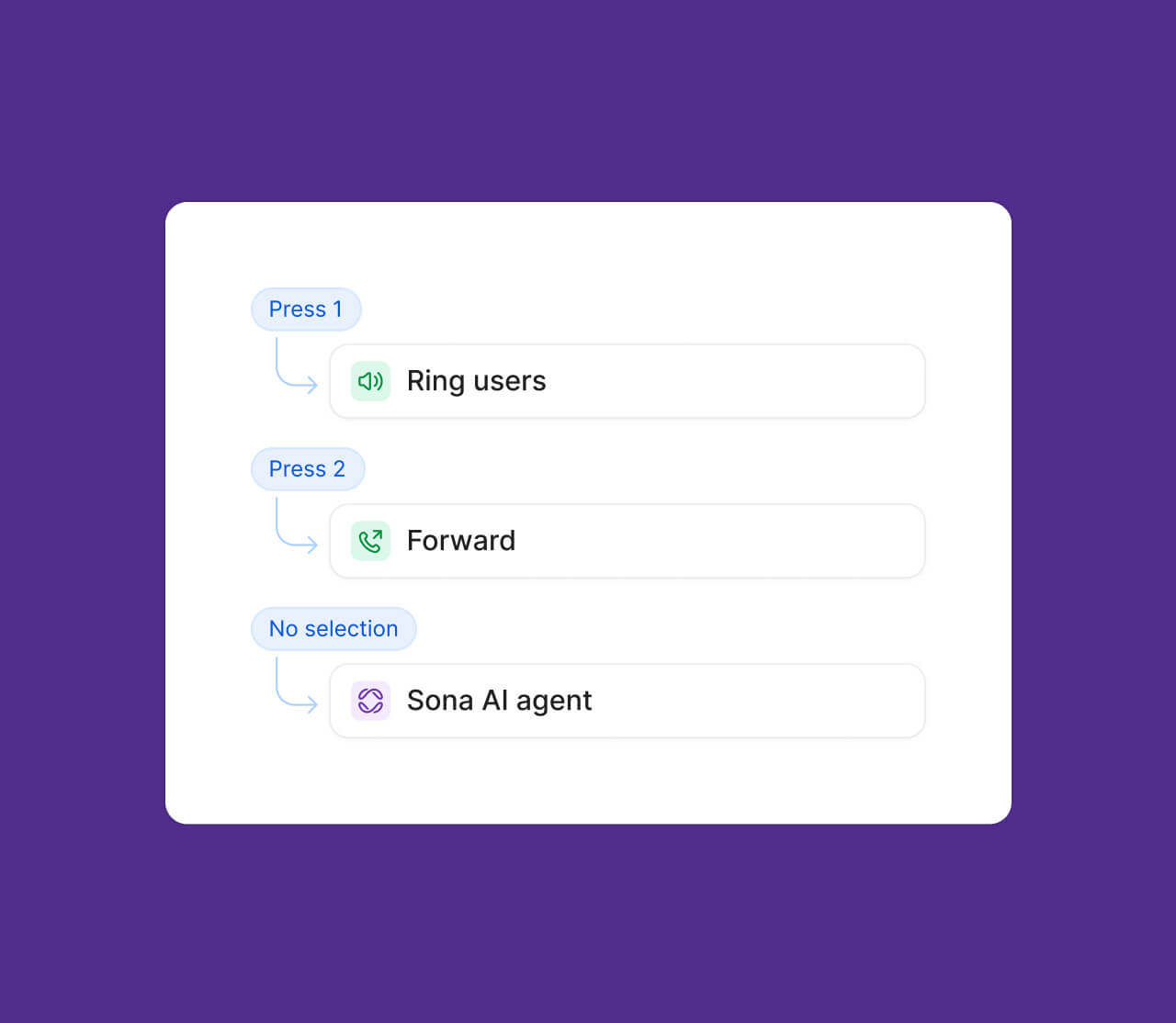
No one likes sitting through a list of 10 menu options. Multi-level phone menus let you create layered, interactive menus that help callers get to the right destination, fast.
Route calls
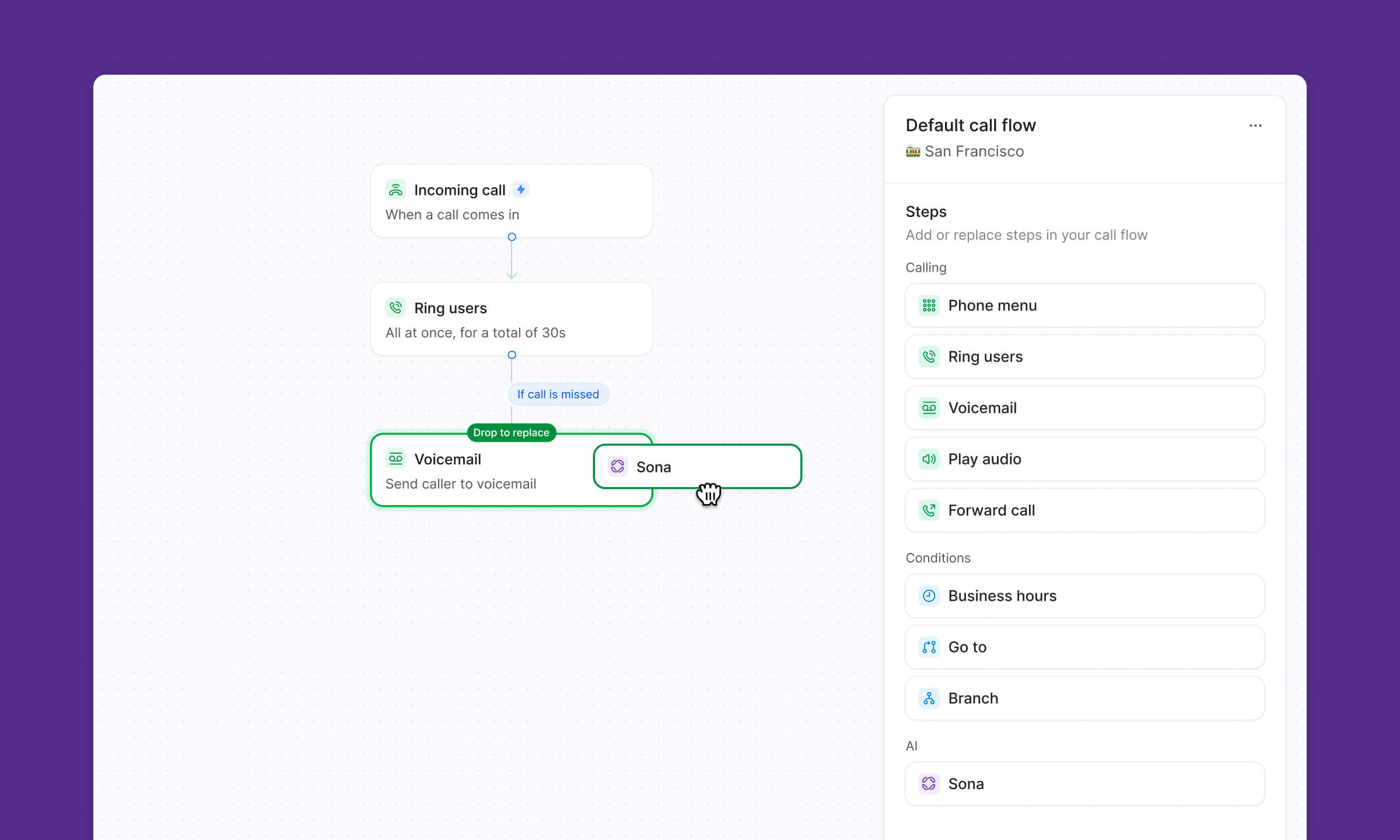
Drag-and-drop call flow builder lets you create sophisticated routing rules without technical skills or IT support.
Provide answers
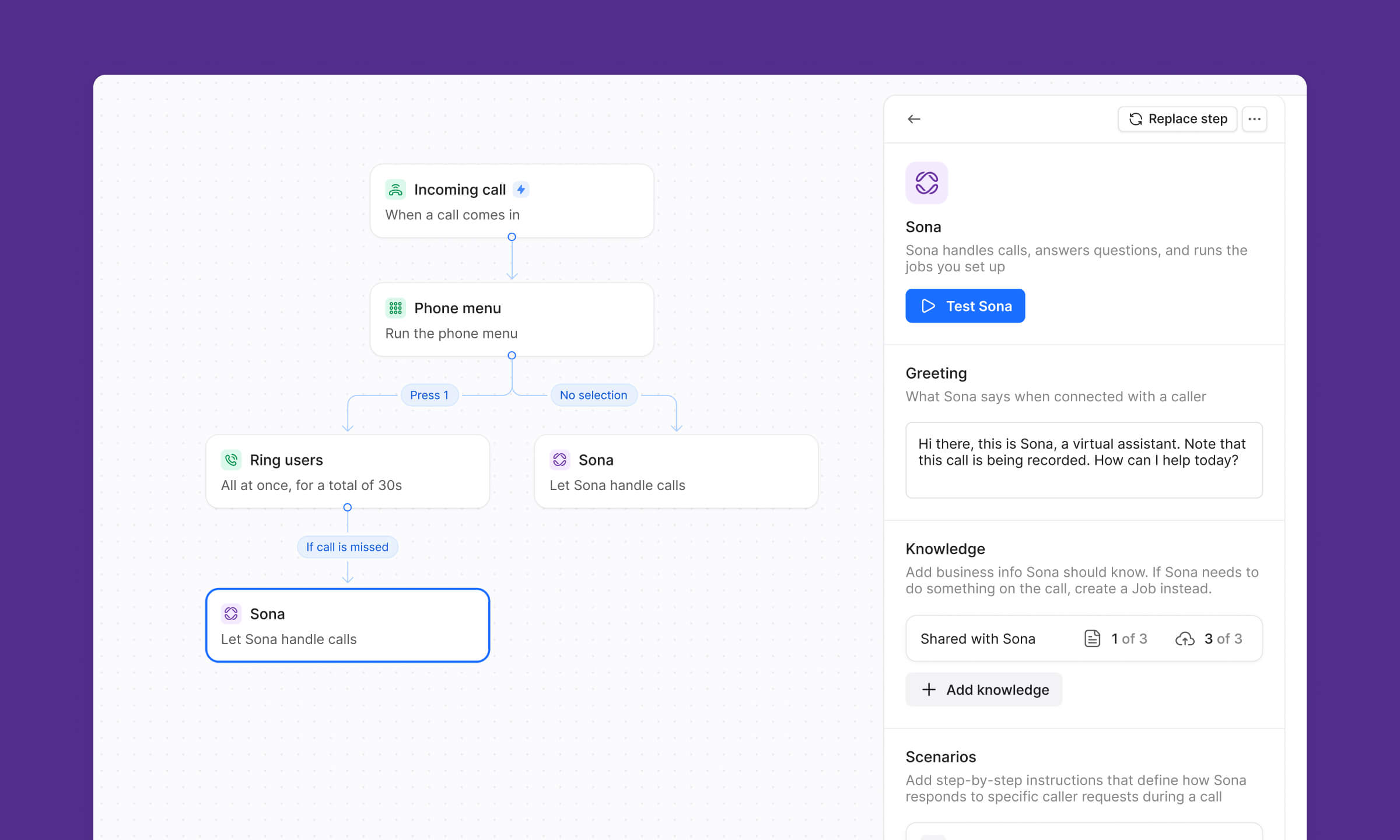
Let callers talk to Sona — your AI agent — instead of voicemail. They get instant help, and you follow up faster with organized, actionable messages.
Don’t send customers in circles while your team loses time and opportunities
Stop losing prospects to "let me transfer you... again"
Smart routing gets customers to the right person on the first try, so they don't reach a dead end or hang up out of frustration before you can help them.
Guide customers to the perfect teammate every time
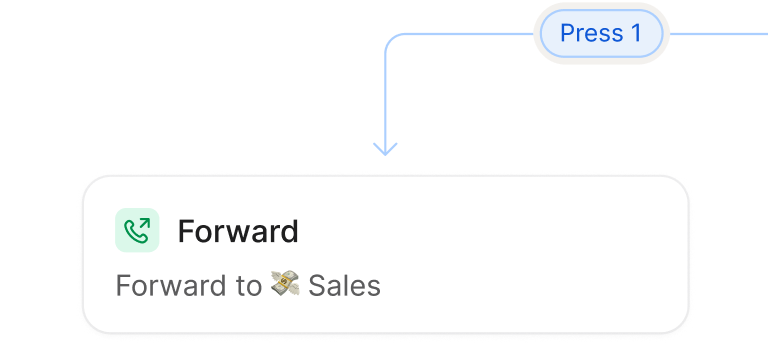
Team-specific routing means customers reach sales when they want to buy and support when they need help, without your team playing operator.
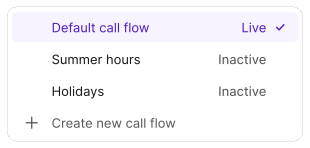
Multiple flows, zero rebuilding
Create different routing configurations for holidays, campaigns, and staffing changes, then toggle between them without rebuilding your flow from scratch.
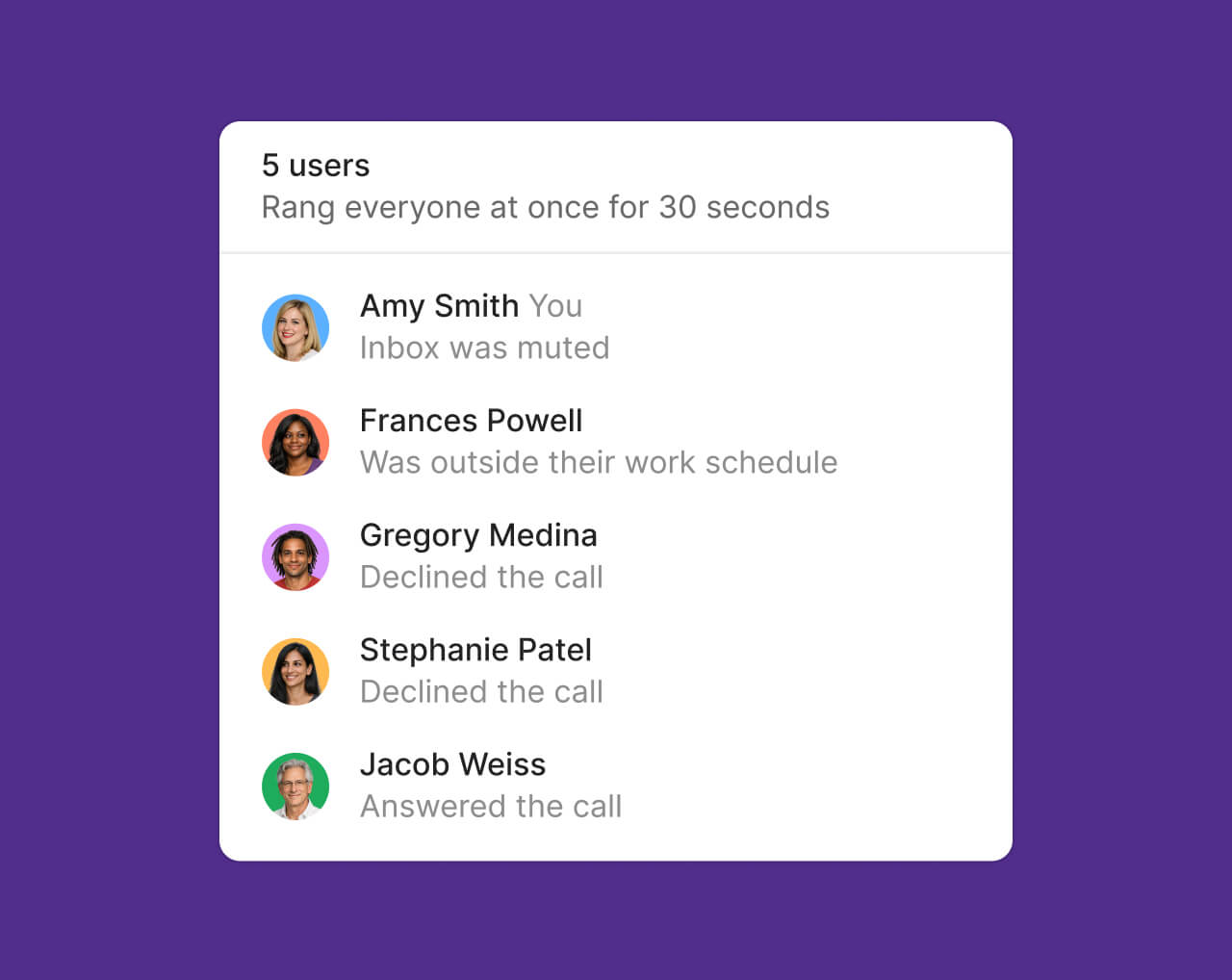
Keep business running when key people are out
Availability-based routing sends calls to whoever's actually working, so customers get answers even when the usual contact is on vacation.
3x
faster follow-ups
Since implementing Sona, we've improved our follow-up time and client satisfaction due to faster callbacks with better context. Additionally, we’ve captured more after-hour inquiries that would’ve previously gone unanswered.
ER Fukuda
Founder @ Safely Finance
Powerful routing made simple
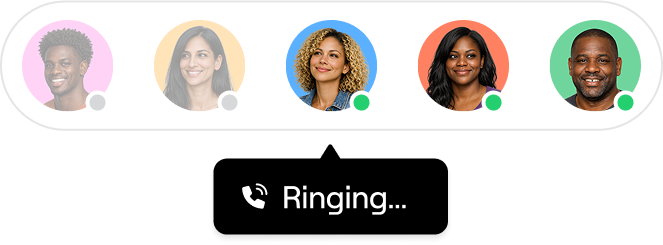
Ring order
Control exactly how calls reach your team - ring the right person first, try groups in order, or ring everyone simultaneously so customers get answered quickly by the most appropriate team member every time.
Sona AI agent
Route callers to Sona when your team is unavailable. Sona answers calls 24/7, handles common questions, captures key details, and ensures every customer interaction is logged.
Phone menus
Give customers a professional phone experience where they can instantly reach the right department or person by pressing a number, eliminating confusion and transfers.
Design your call routing visually with drag-and-drop simplicity - see exactly how calls will flow, easily set up after-hours menus, route VIP customers to specific team members, and make changes without technical headaches or disrupting customer experience.
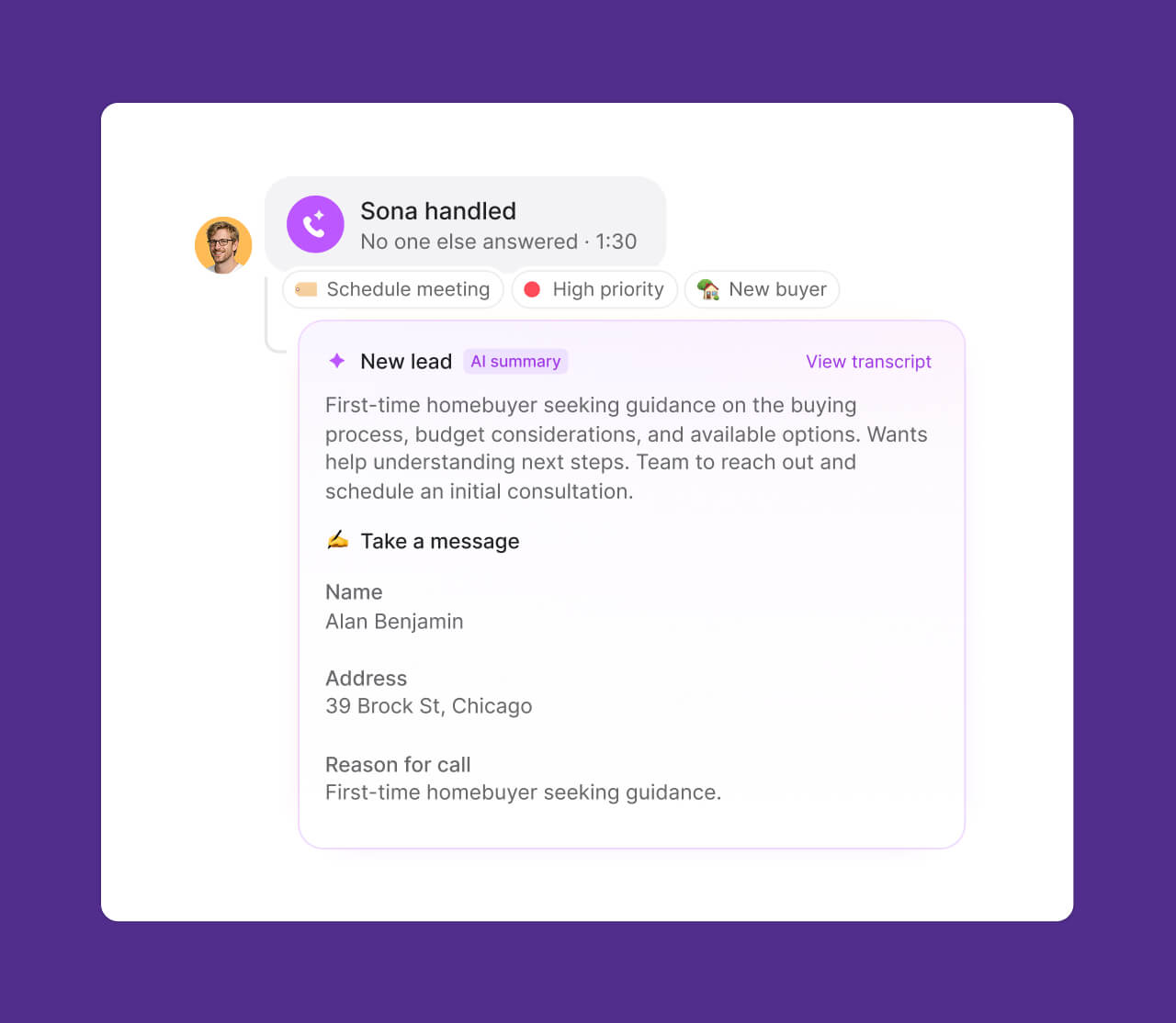
Harness the power of AI to generate transcripts and automate note-taking using advanced speech-to-text technology. Call summaries make it easy to get context from previous conversations in seconds while suggesting next steps.
Sona, your AI agent, answers calls 24/7, handles common questions, captures key details, and ensures every customer interaction is logged. It’s like having an always-on receptionist — so you can focus on growing your business.


.avif)

.avif)
.avif)
.avif)


.svg)
.svg)
.svg)