4.7 stars
|
3,200+ reviews

Win more customers with Quo

The phone system that brings calls, texts, and contacts into one AI-powered platform. Keep your team aligned, respond faster, and ensure every customer feels valued.
Cancel anytime. We'll even remind you.
A screen shot of a messaging app with a white background.
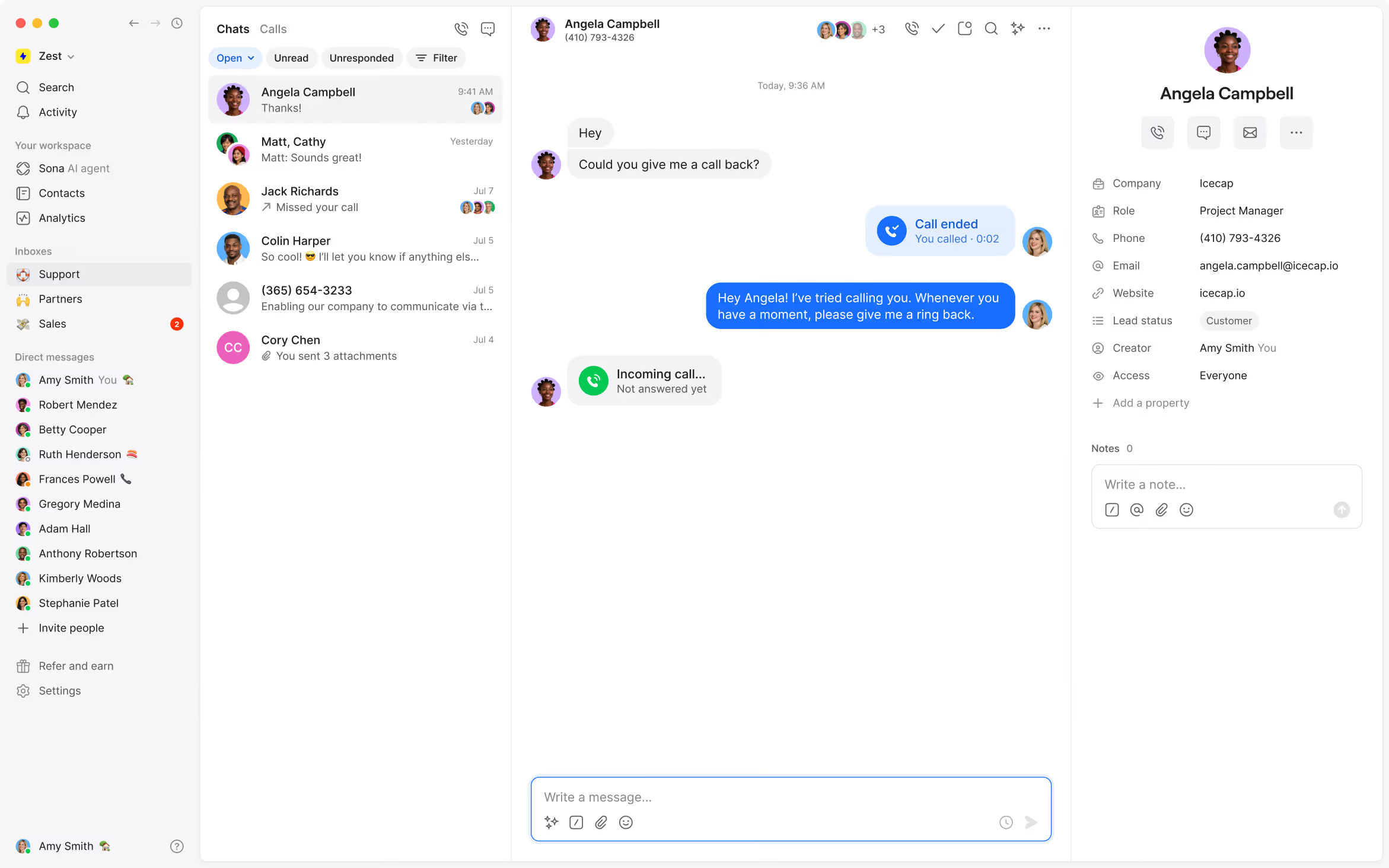
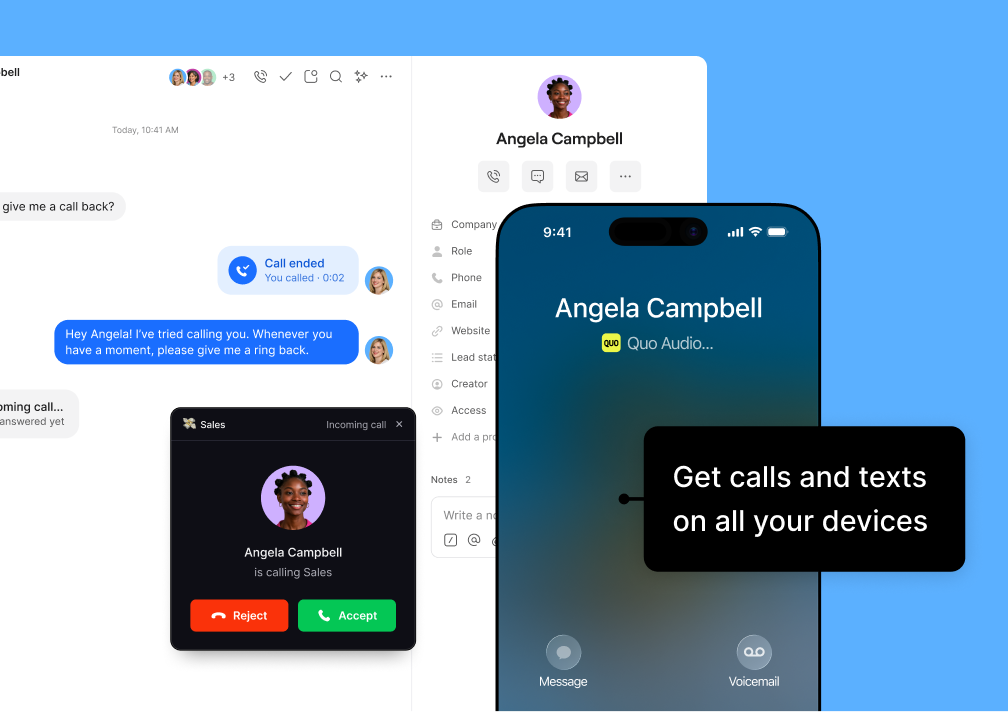
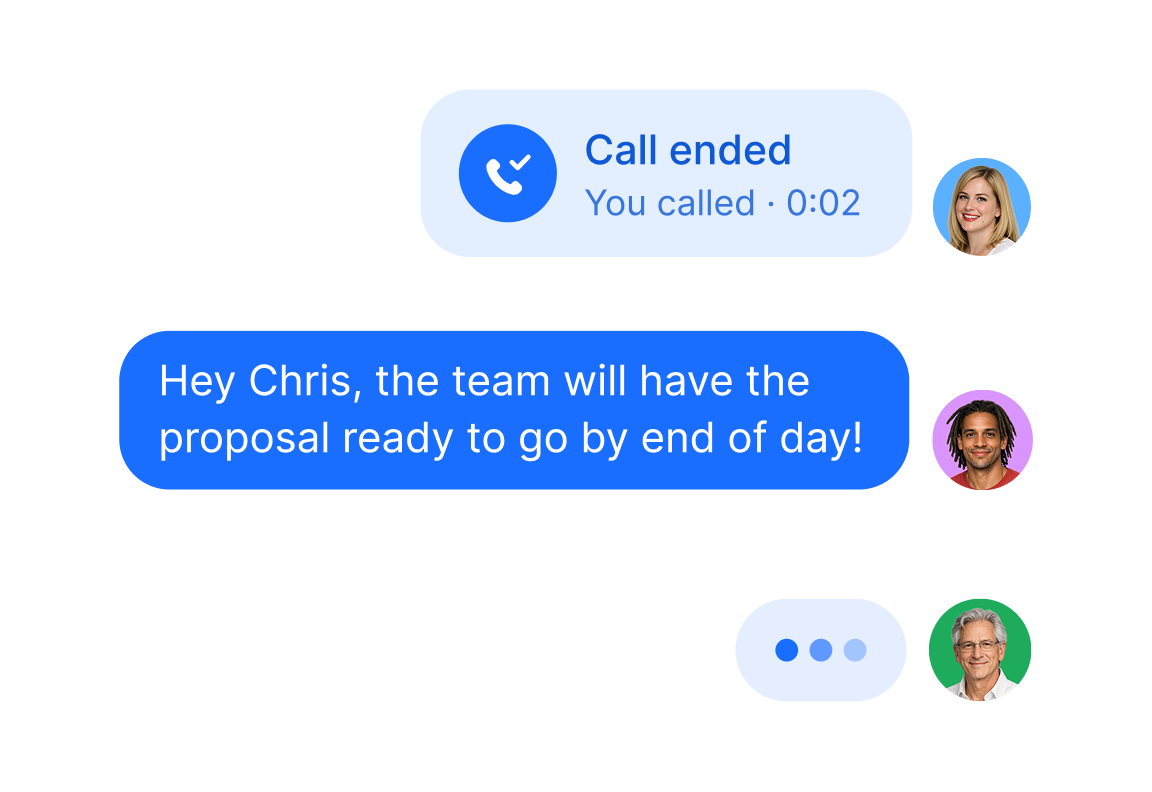
Calls, texts, voicemails, recordings — all in one place. See the full history with each customer, so your team always has the full context.
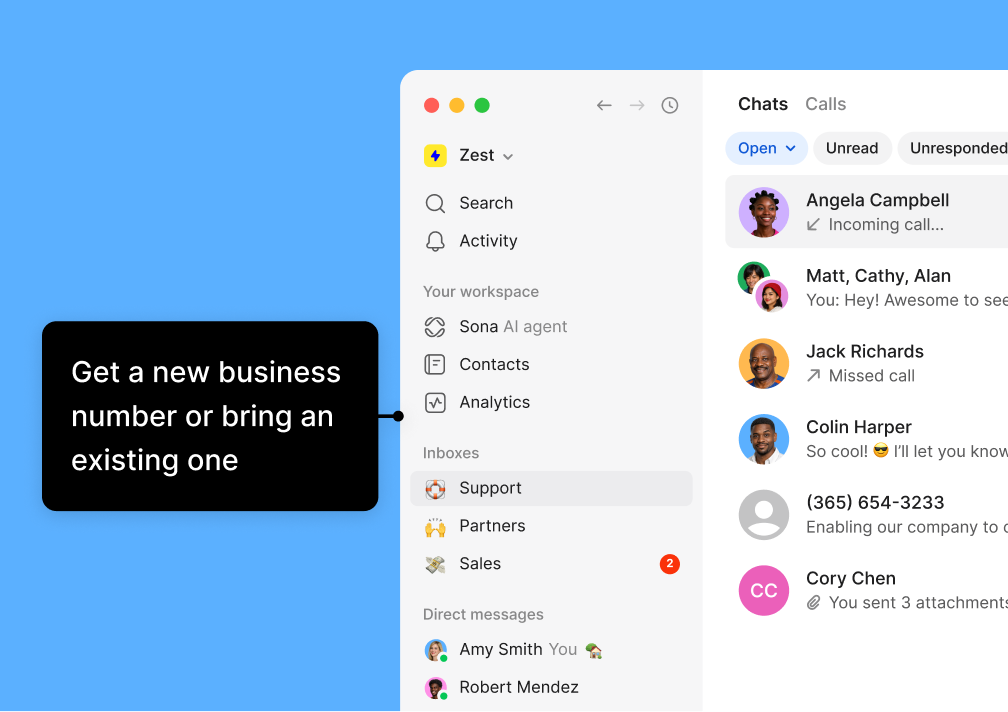
Use shared numbers to collaborate. Set up custom call flows, and ensure every call gets to the right person — every time.
Sona AI agent picks up your calls 24/7, even when you’re asleep. Handle common questions to ensure you never miss an opportunity.
Chat with context
Respond faster
Always on AI agent
Powering conversations for 90,000+ businesses

The YCombinator brand logo
Mercury Logo
logos
logo
logos
Logo
logo
logos
The Quo difference

We built Quo to help you never miss out on a customer again, even when you're fast asleep.

Stay in sync with your team, having context at all times
Never miss a call with Sona, our AI chat agent integrated
Connect all your tools so you can do more in one place
Instant clarity, track team performance live and act fast
Customer communication that feels simple and intuitive
Easy to setup, start talking to customers in minutes
Clarity

Bring order to communication chaos

All your customer conversations in one place
Quo lets you call and message customers, and shows you every interaction your team has had with those customers in a single view. No need to dig around. You can find it all in one place.
A purple chat box with a man's face in it.A purple chat window with a message that says "Absolutely! Just sent you an invite to join the meeting."
Contact information panel for Chris Smith showing phone number, email, customer status, and a note conversation between Ruth Henderson and Maggie Sullivan about a premium package quote.
Shared visibility across your team
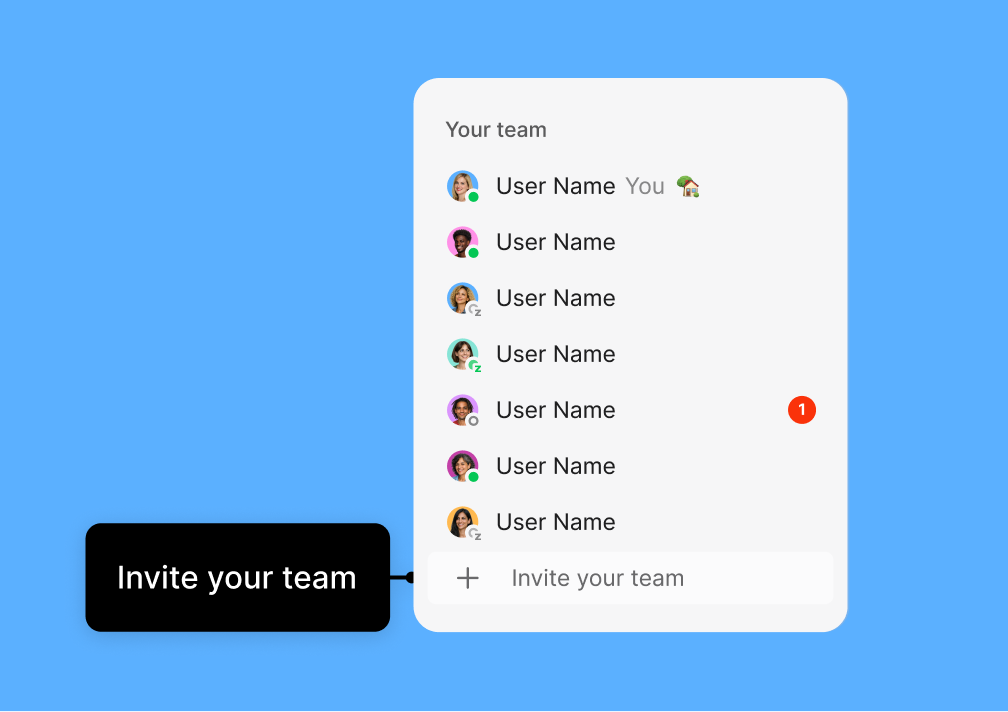
With Quo, your team can see who’s working on what, collaborate behind the scenes, and step in for each other when needed. Full context means less confusion and better responses.
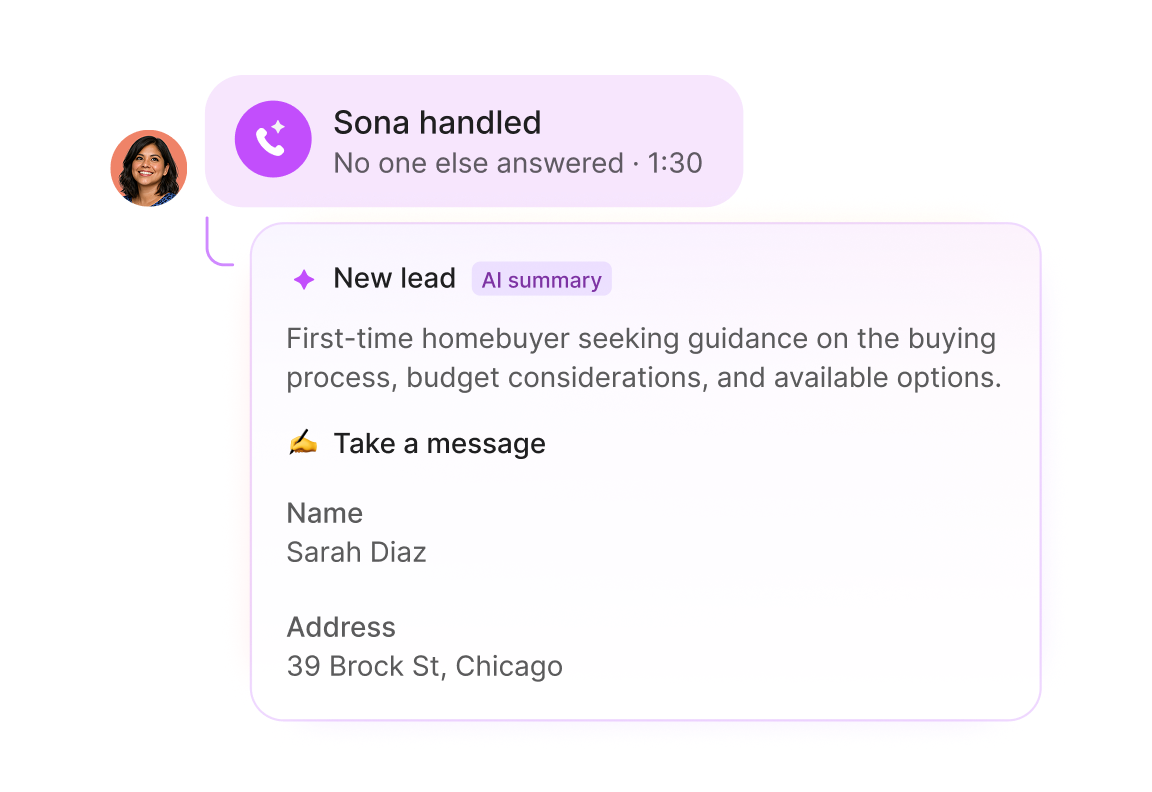
Chat interface showing that Sona handled a call with no other answers at 1:30, labeled with tags Schedule meeting, High priority, and New buyer. A new lead AI summary states a first-time homebuyer seeks guidance on buying, budget, options, and requests a team consultation. Option to take a message is shown.
Stay organized without lifting a finger
With note-taking, summaries, and automatic call tags, Quo's AI handles the busywork so your team can give your customers their full attention.
Better oversight so you can help your team grow
Quickly review conversations, track activity and trends, and leave feedback directly in Quo to guide your team to success.
Call log interface showing tabs for Open, Missed, Voicemail, Unresponded, and Direction filters, with a filter menu expanded displaying options like Ended, In progress, Date, Team member, and Phone menu. Call entries include names, phone numbers, status icons, and call statuses such as Call ended, Voicemail, Call in progress, and Missed call.Call log interface showing tabs for Open, Missed, Voicemail, Unresponded, and Direction filters, with a filter menu expanded displaying options like Ended, In progress, Date, Team member, and Phone menu. Call entries include names, phone numbers, status icons, and call statuses such as Call ended, Voicemail, Call in progress, and Missed call.
Gradient background blending blue, light blue, and purple colors.
350
hours saved weekly

We're so confident in saying, 'Hey everybody, just get on Quo. Save yourself the time, save yourself the hassle.

Speed

Win hearts with your responsiveness

Respond with speed and accuracy through teamwork
Quo gives your team a single place to work together. Assign tasks, share context, loop in the right teammate, in real time, so customers get the best answer. Fast.
A man is talking to someone on the phone.Chat interface showing a call ended by Amy at 15:29 and an internal comment thread where one user informs Mike Greer about legacy pricing offered to Margot due to a billing error, and another user confirms to honor it and reply.
A purple screen with a message that says "Sona is handling".
AI receptionist that works 24/7
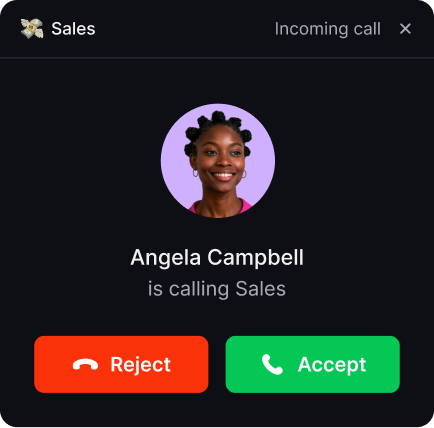
Sona, your AI receptionist, answers calls, qualifies leads, and routes conversations to the right person. It's always on, so your business never misses a customer.
A collection of icons including Salesforce, Zapier, and others.
Automatic syncing across your tools
Quo connects with CRMs like HubSpot and Salesforce, plus Zapier, Make, and our API. Your calls, texts, and data stay in sync so your team can focus on customers.
Soft gradient background transitioning from light blue at the top to a deeper blue at the bottom.
3,000
hours saved monthly

We support over 30 phone lines with just six agents in the morning. We needed a system that wouldn't overwhelm our staff or leave calls unanswered.

Control

Scale your business with confidence

Workflows that fit every team
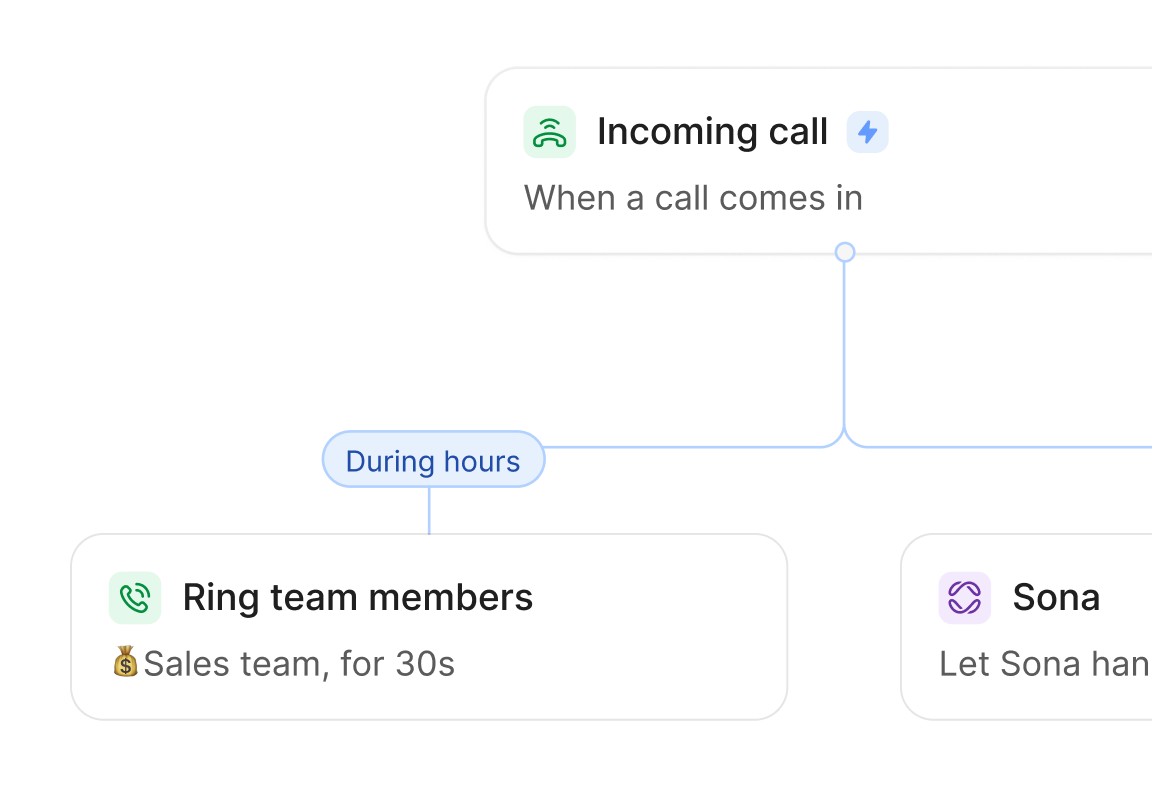
Set up call routing by team, schedule, or priority so customers reach the right person every time.
Flowchart showing call handling: incoming call triggers ringing users for 30 seconds; if missed, call goes to voicemail or can be routed to Sona, a virtual assistant that handles calls and answers questions.A flow chart of a phone call system.
App interface with a yellow Quo logo button on the left, four white square icons representing chat, user profile, phone call, and a flowchart or integration symbol, and a yellow square plus button on the right.
Build custom connections to anywhere
Use Quo's API to create custom integrations that fit perfectly with your specific processes and workflows.
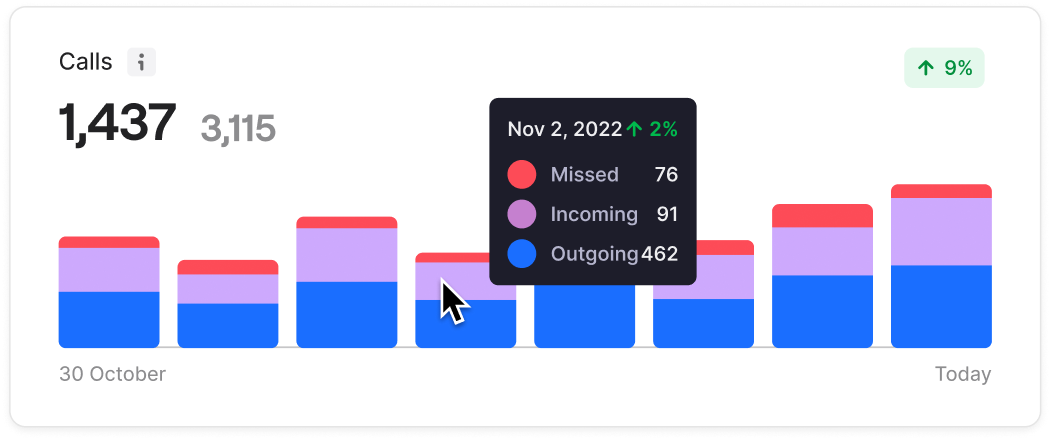
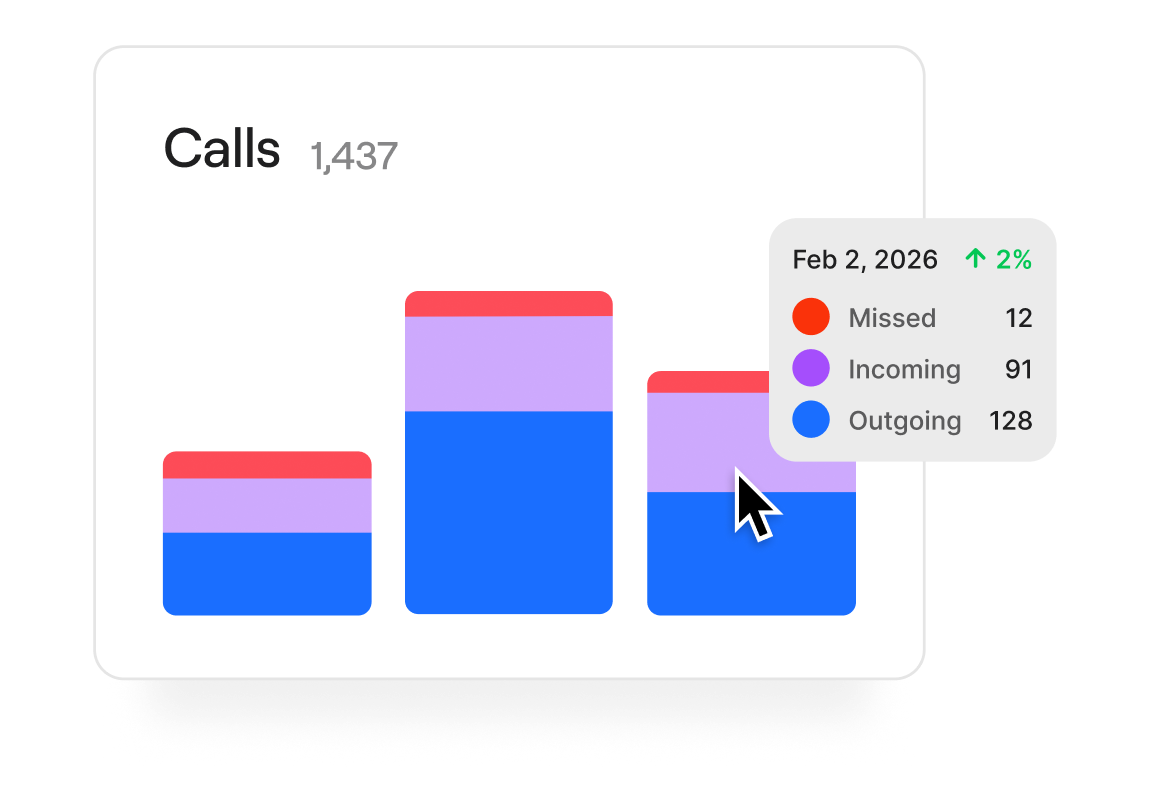
Bar chart showing daily calls from October 30 to today with segments for missed, incoming, and outgoing calls; total calls 1,437 out of 3,115 with a 9% increase.
See what's working and what's not
Easily see how calls are going across teammates, numbers, and call types. Identify trouble spots early, keeping your business humming as your team scales.
Abstract gradient background with shades of blue and light green.
2x
smoother workflows

Prior to adopting Sona, we struggled with consistently capturing after-hours communications, resulting in missed opportunities. We now have absolute assurance that every incoming call is handled promptly.

Rated the best business phone

4.7 stars
|
3,200+ reviews

Customers rate Quo the #1 business phone in customer satisfaction on G2.

Compare

Ready to switch?
Why teams choose Quo

No training required
Dialpad's enterprise dashboards can be hard to learn and navigate
Always on, 24/7 AI assistance
Dialpad's AI requires expensive upgrades and coaching to use
All-inclusive plans staring at $15 per user
Dialpad's base price jumps to $45+ for a similar level of features
Shared inbox and full-thread visibility for complete context
Dialpad has siloed conversations and admin-heavy workflows. ⁠
Built to help you give a personal touch at scale
With Dialpad you have to dig through call center metrics
Transparent with predictable costs
Dialpad has toll-free fees and per-minute international charges
All-inclusive plans starting at $15/user
RingCentral has custom pricing with add-ons
Easy to get started
RingCentral takes more time to configure and set up
Included Sona AI answers calls 24/7
RingCentral spreads AI features across several expensive tiers
SMS approved fast with Quo
RingCentral's lengthy waits for approvals lose customers
Created to build customer relationships
RingCentral has complex internal collaboration dashboards
Calls, texts, and customer context in one thread
RingCentral spreads conversations across separate apps and dashboards
All-inclusive plans starting at $15/user
Nextiva's entry level plan has no phone service
Unified calls, texts, and easy CRM from day one
Nextiva is $30-36/user just for basic calling and nothing else
Sona for handling first responses is included
Nextiva requires a $40-75/user tier for any AI assistance
Unlimited business texting included
Nextiva has 100-250 SMS per-month caps that lose you customers
Streamlined for simple relationship building
Nextiva has limited features paired with complexity
No hidden fees, transparent pricing
Nextiva has add-on pricing to access to basic features
Starting at $15/user with no minimums
Aircall requires a 3-license minimum purchase for $30-50/license
Unlimited toll-free with Sona AI included
Aircall has hidden fees and $9/user AI add-on
Unlimited texting with no caps
Aircall limits you to 4,000 messages and charges extra for each additional text
Advanced analytics included
Aircall requires a $50/user Professional plan for reporting
All-inclusive plans with no surprises so you can scale
Aircall has a complex per-license model that requires purchasing unnecessary licenses so they can scale
Shared inbox and full customer history for every teammate
Aircall’s call-centric workflows make it harder to keep texts, voicemails, and notes in one thread
Complete platform starting at $15/user
Google Voice has a $50 Google Workspace subscription required
Shared numbers and team inboxes
Google Voice allows only single user lines
24/7, always-on responses from Sona
Google Voice just has extremely basic voicemail and transcription
CRM integrations and phone menus built in
Google Voice just has consumer calling features
Unlimited texting without restrictions
Google Voice has limits and restrictions
Make calls globally on day one
Google Voice has a US-only limitation on their Starter plan
Unlimited calling starting at $15/user
Zoom's entry plan charges for every outbound minute
Sona handles routine calls and texts 24/7
Zoom Phone has basic transcription focused solely on meetings
All-inclusive plans starting at $15/user
Zoom requires $18-22/user bundles for the basics
Designed for customer conversations
Zoom Phone was created as a way to make a little extra money from video conferencing
Real CRM and business integrations
Zoom's has a limited phone system ecosystem
Calls, texts, customer info unified
On Zoom Phone they are scattered across meeting and phone apps
Ready to make a call?
Start your free trial today

Ready to get started? Explore features, learn more, or choose from thousands of numbers.