Get local and toll-free numbers for every team
Get as many phone numbers as your team needs with Quo. Choose between local US and Canadian numbers or North American toll-free numbers.
Choose your preferred area codes based on where your customers live. You can also choose a vanity number to help you stand out from the competition.
All Quo plans include a number for every user who joins your workspace. Plus, share numbers if you want dedicated numbers for your customer support and sales teams. Add more numbers as your team grows — additional numbers cost $5 per number per month.
Manage incoming calls easily
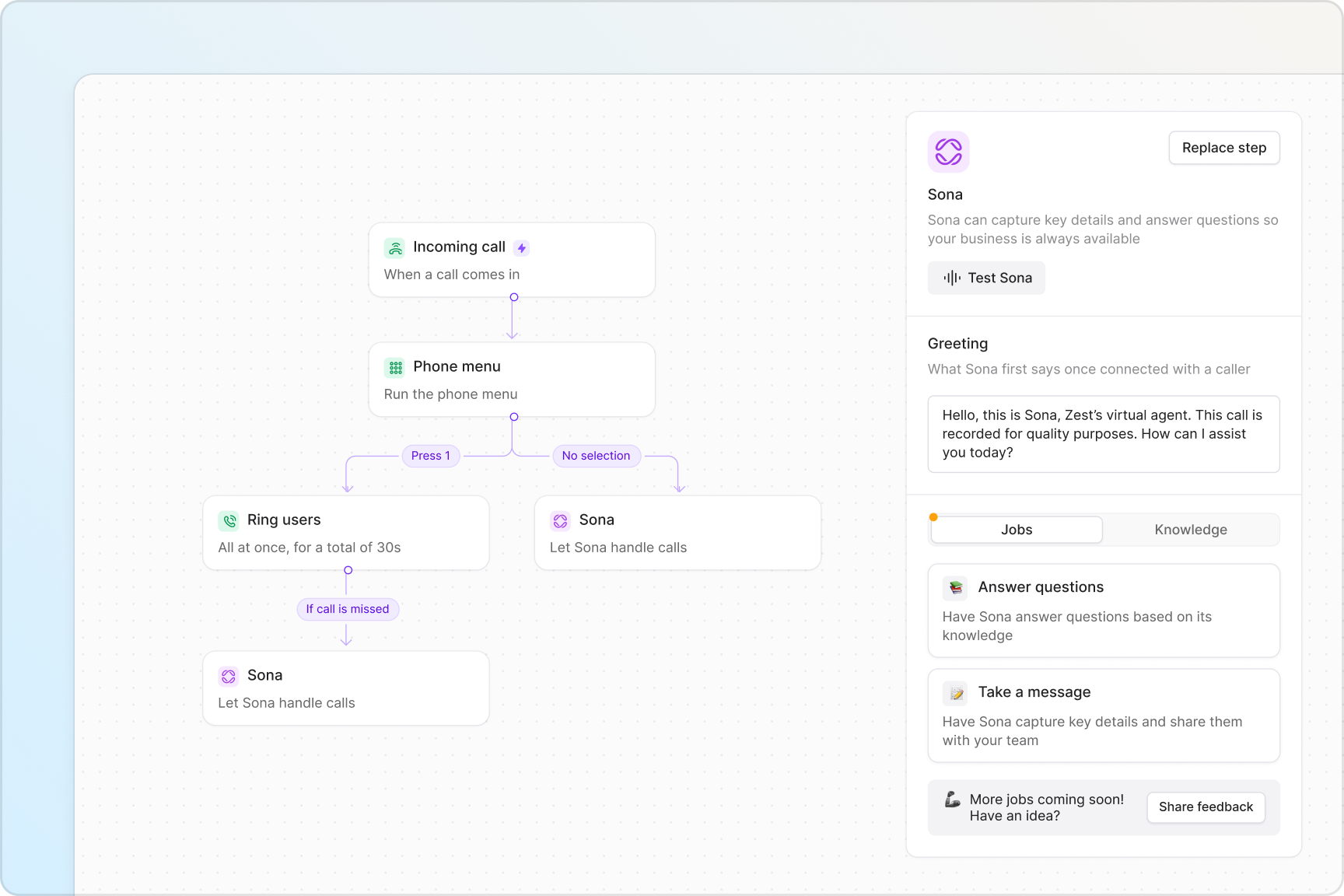
Handle customer calls smoothly with Quo. Create customizable call routing experiences with our call flow builder.
Choose how your team receives inbound calls, either simultaneously or in custom batches with ring order. Give customers self-serve navigation options with phone menus, also known as IVRs. Direct missed and unanswered calls to a secondary number with our call forwarding options.
Take advantage of additional call handling features when you’re on a live call. Hand off customers to your colleagues with the right amount of context with warm transfers. Bring stakeholders into the same call with group calling.
Foster stronger team collaboration
Work better together as a team with Quo. Share incoming business calls and texts. Get visibility into all your customer interactions in a shared inbox.
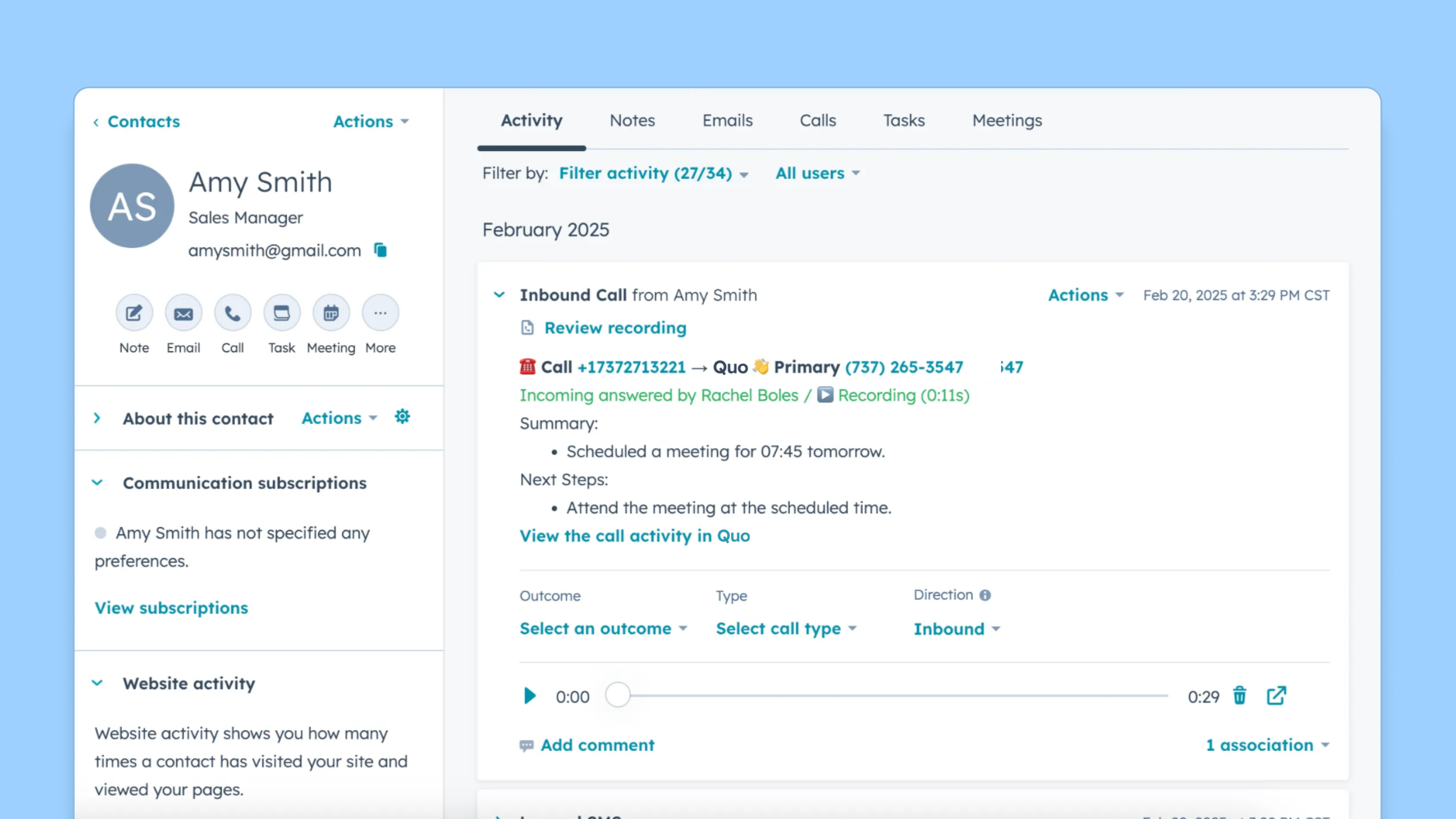
Automatically log calls and texts in your CRM with our native HubSpot, Zoho, and Salesforce integrations. Keep your contact data in sync with your business phone. Use a different CRM? Build a custom integration using the Quo API.
Troubleshoot ongoing issues and assign follow-up tasks in real time with internal threads. Anticipate business needs in advance and tag team members in Quo. Want to know if someone has reviewed a call or recording? Inbox viewers keep you up to date so you don’t need to ping colleagues repeatedly.
Automated texting at your fingertips
Always send the right text message at the right time with Quo.
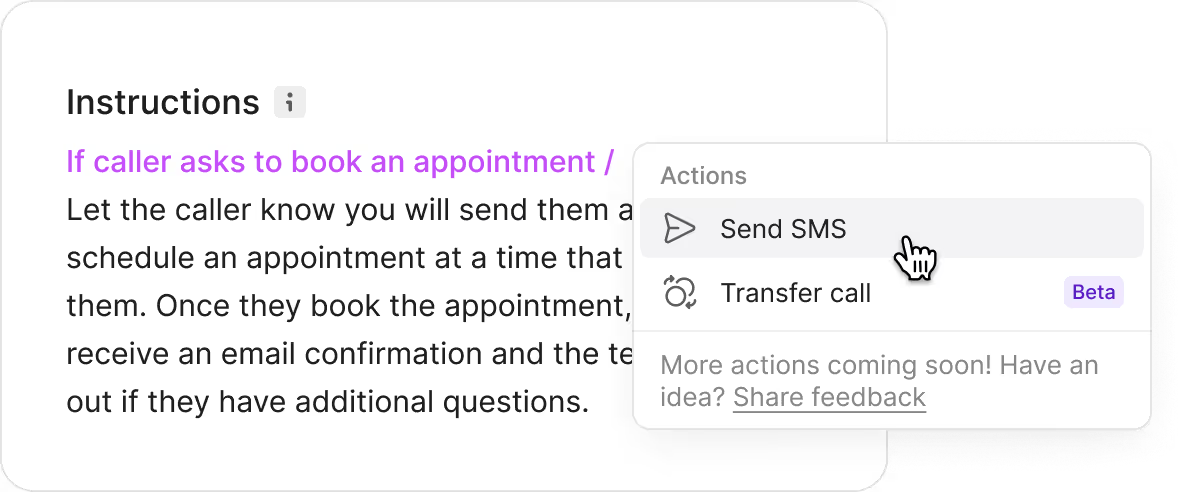
Automatically send SMS auto-replies to customers when your team is unavailable. Create pre-written templates to answer common questions over text with snippets. Schedule responses to customers based on their time zones with scheduled messages.
Plus, automate your texting workflows with our Zapier and Make integrations. Set up text automations for common use cases, like appointment confirmations and reminders. Send more messages in less time to provide a better customer experience.
Better oversight for managers
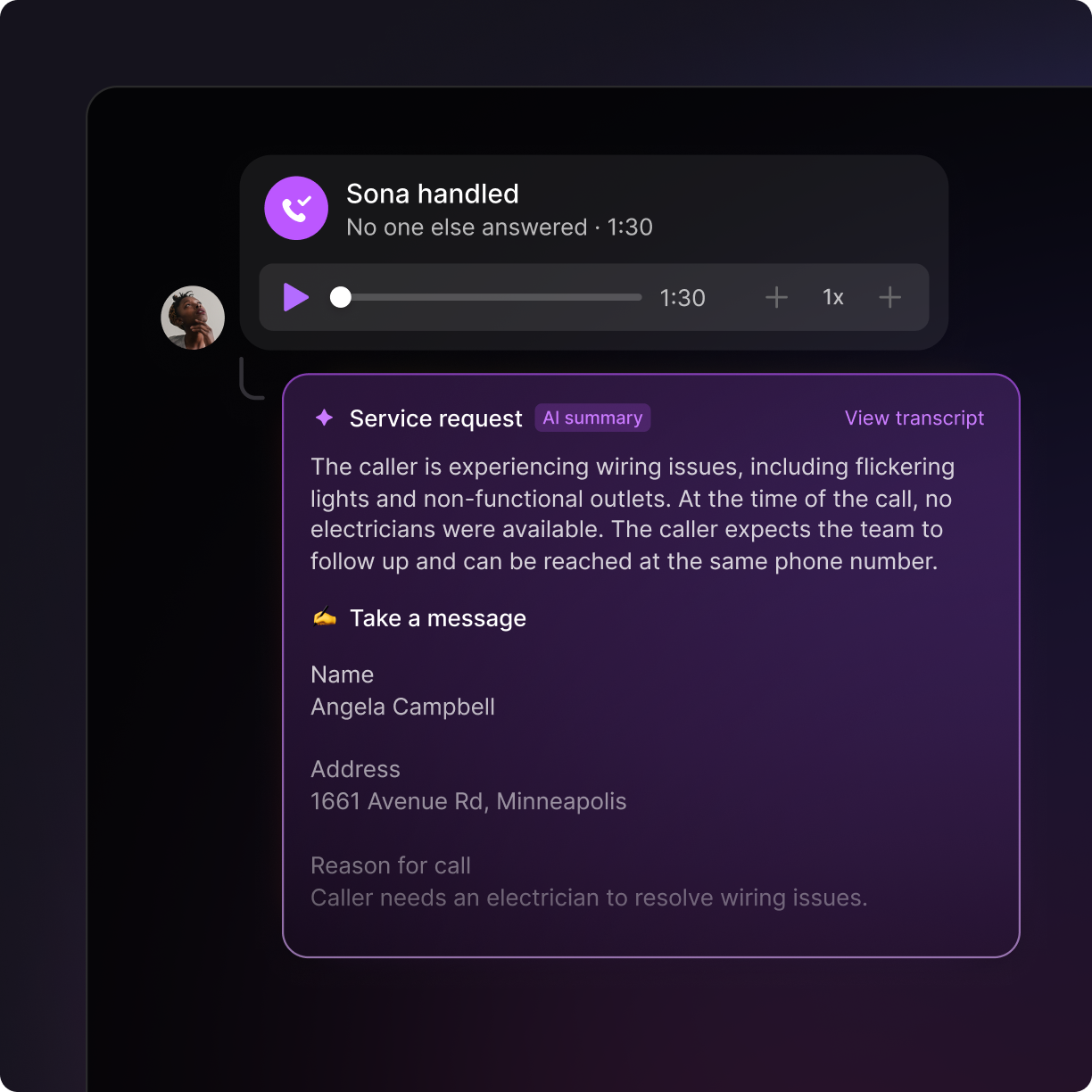
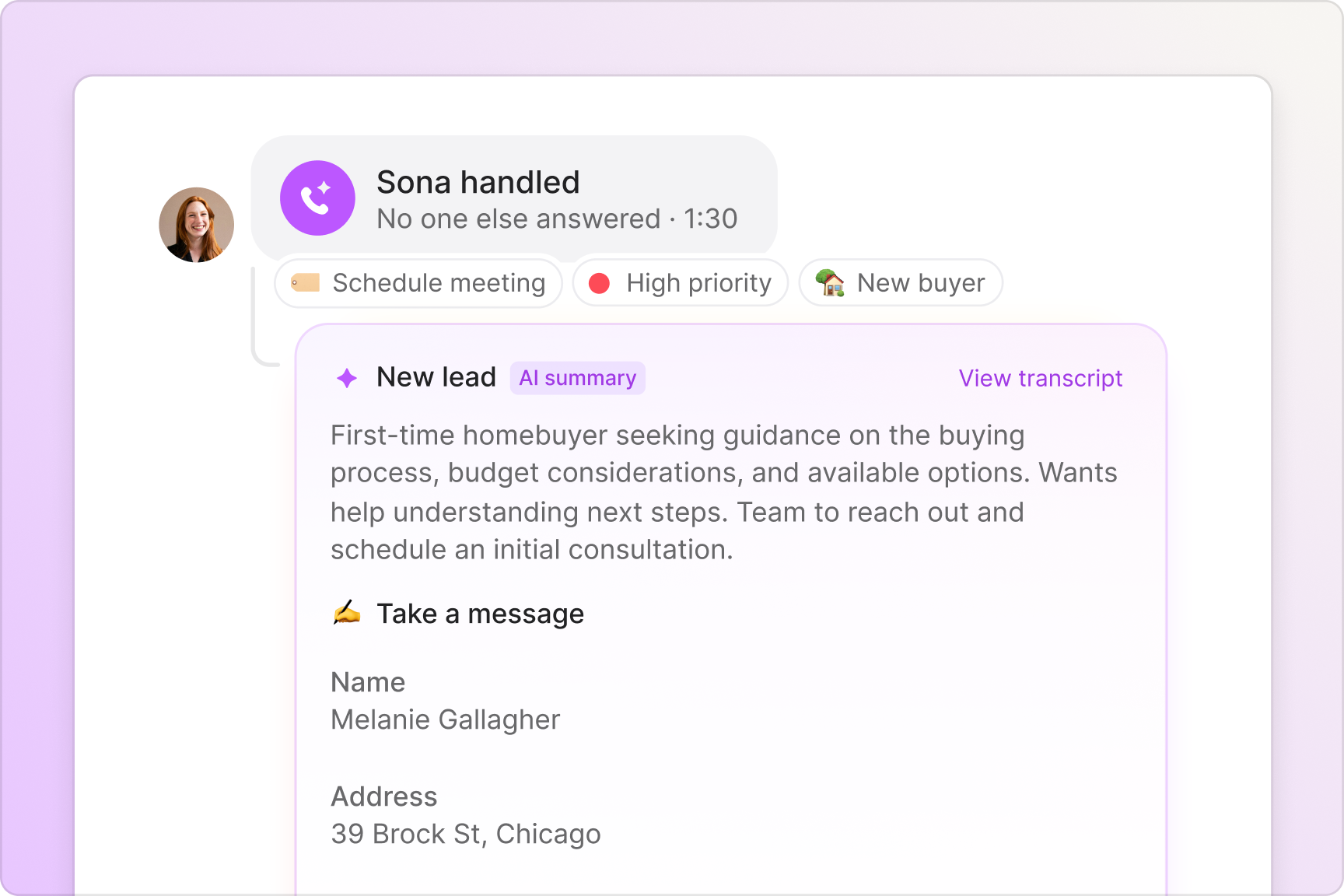
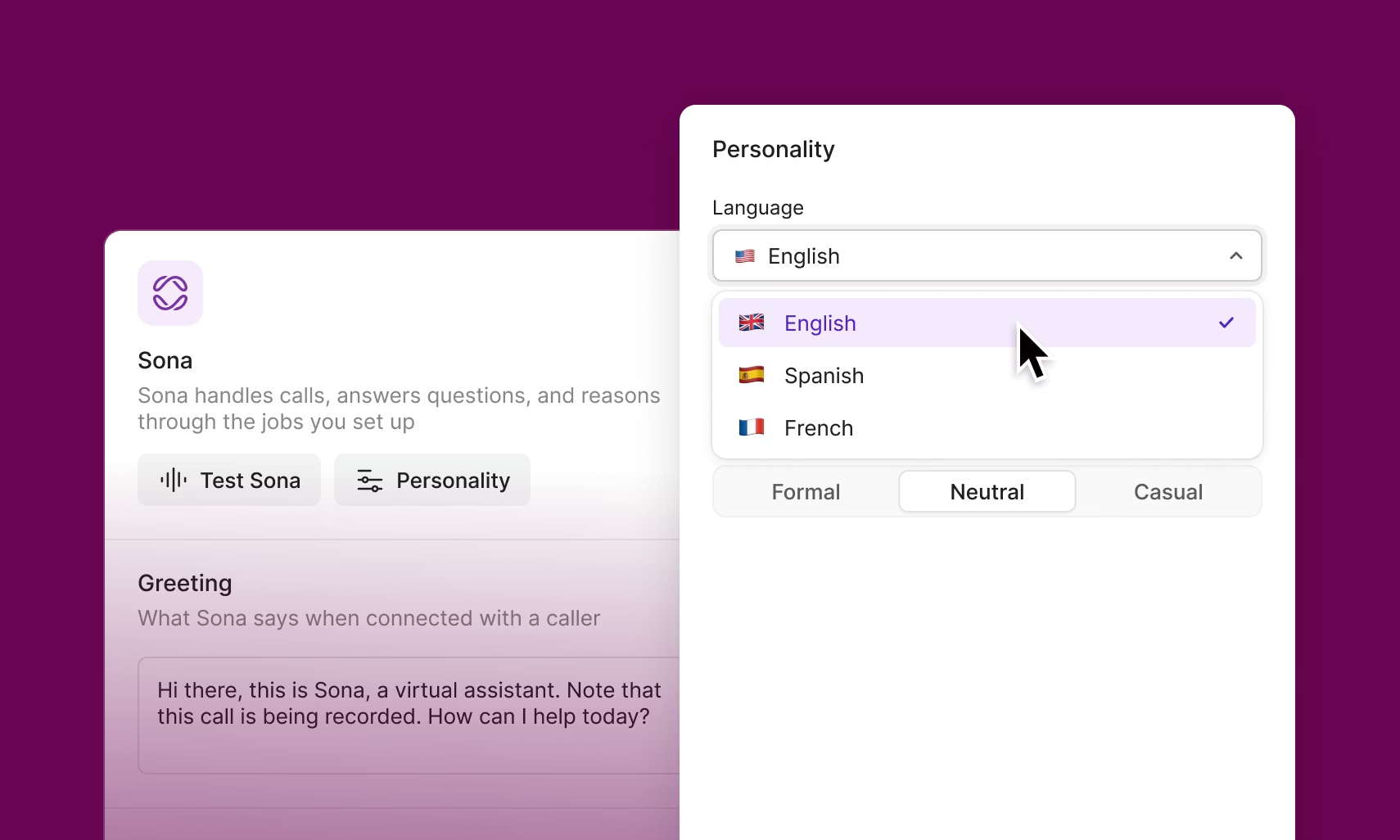
Understand how your team is doing with Quo. See your team’s performance as your call volume grows, and look at all the calls handled by Sona with call views. Review calls quickly with our automatic call recordings and AI call summaries and transcripts. You can even use AI to analyze phone calls with AI call tags.
Plus, track your team’s performance on a weekly, quarterly, or annual basis with our analytics. You can track individual team members or a specific department. And if you need to add or remove teammates in your Quo account, you can make changes to who has access to your shared numbers in our Settings tab.
Call and text from anywhere
Bring your business phone and your AI phone agent with you wherever you go. All you need to use Quo is a computer or smartphone and an internet connection.
Download our desktop and mobile apps on your preferred device. Quo is available for Mac, Windows, iOS, and Android. Have a device that isn’t on any of these platforms? Log in to our web app in your browser.









.avif)
.avif)
.avif)
.png)





%20(1).avif)


