
Quo Agent is here. Stop searching, start asking


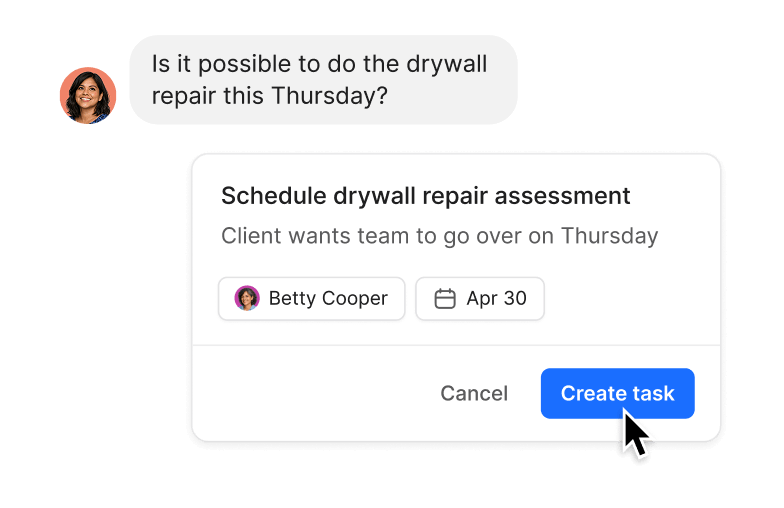
Turn any call, text, or voicemail into a task in seconds, with every task automatically linked to the conversation it came from, so context is never lost.

Owner, Arbor Trail Cleaning Co.

Co-owner and Finance/Marketing/Operations Director of Integrity Pool Service
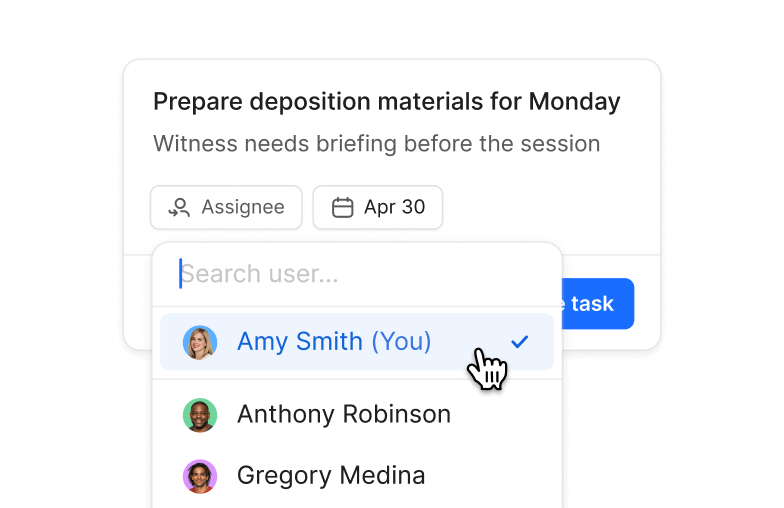
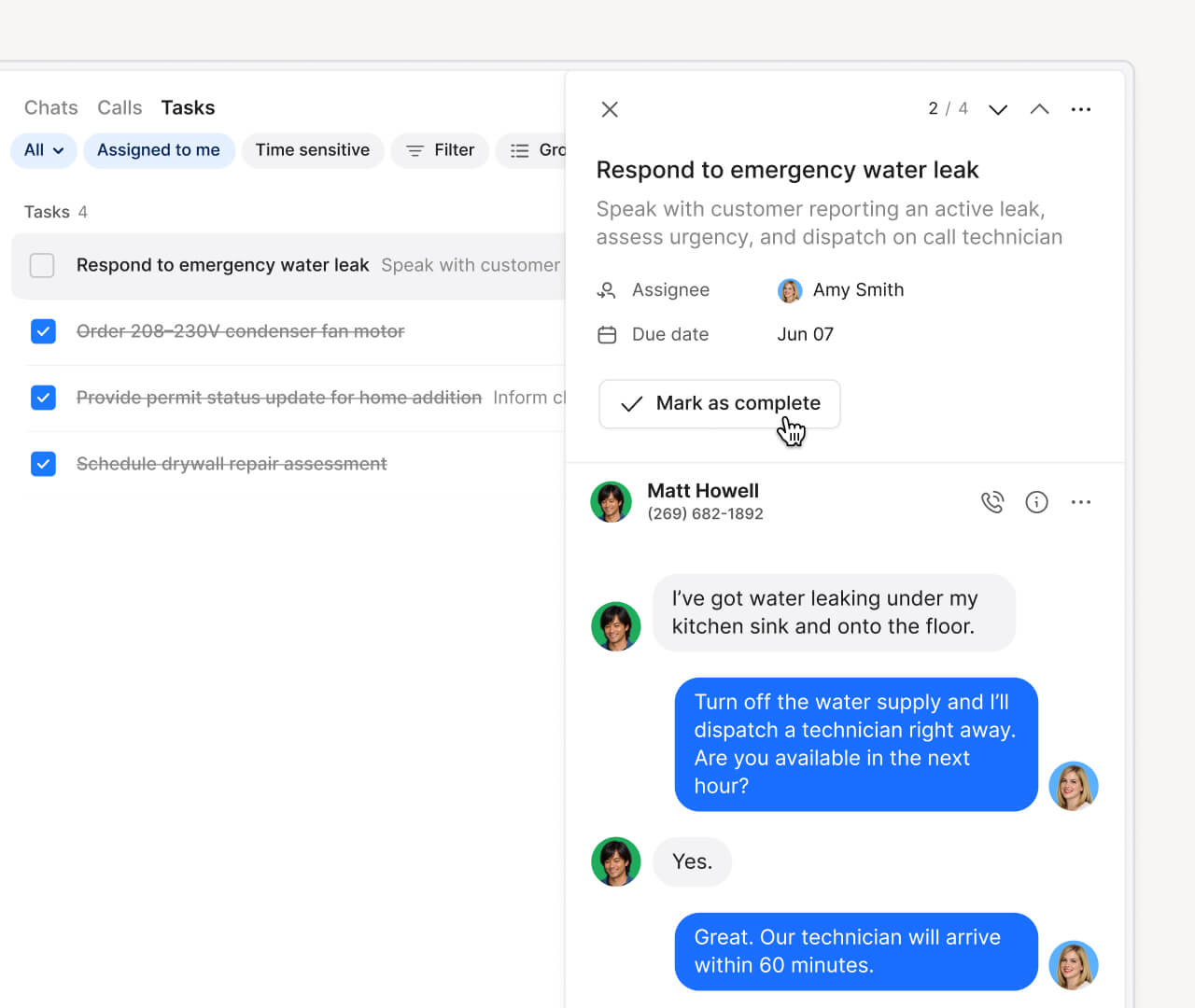
Assign every task a clear owner and due date so handoffs come with the full conversation context.

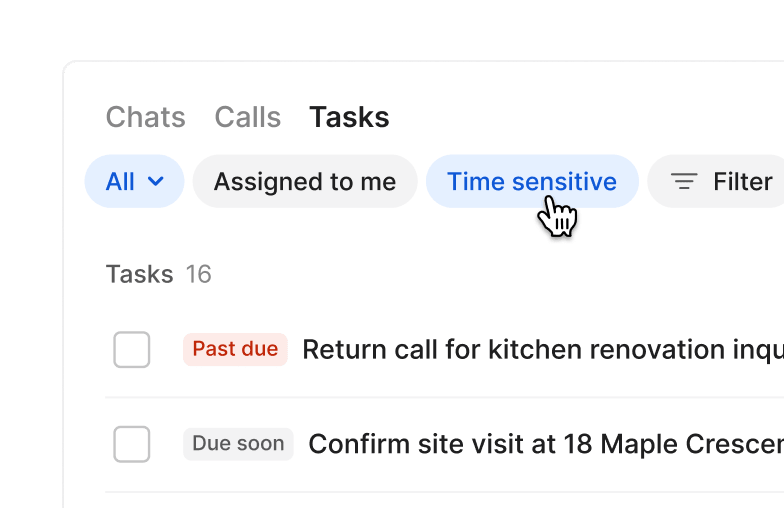
Keep on top of priorities by filtering your task list by what's assigned to you, what's overdue, and what's done.
Can’t find the answer here? Check out our Help Center.
Tasks is available on all Quo plans. Starter workspaces can have up to 10 open tasks. Business and Scale plans get unlimited open tasks.
Yes. Create a task from any conversation and assign it to anyone on your team along with a due date. They'll get a notification when it's been assigned, and when it's overdue.
Every inbox has a tasks tab that rolls up all tasks across its conversations. You can filter by owner, due date, or status to keep the team's work organized.
Yes, Tasks is available on iOS and Android.
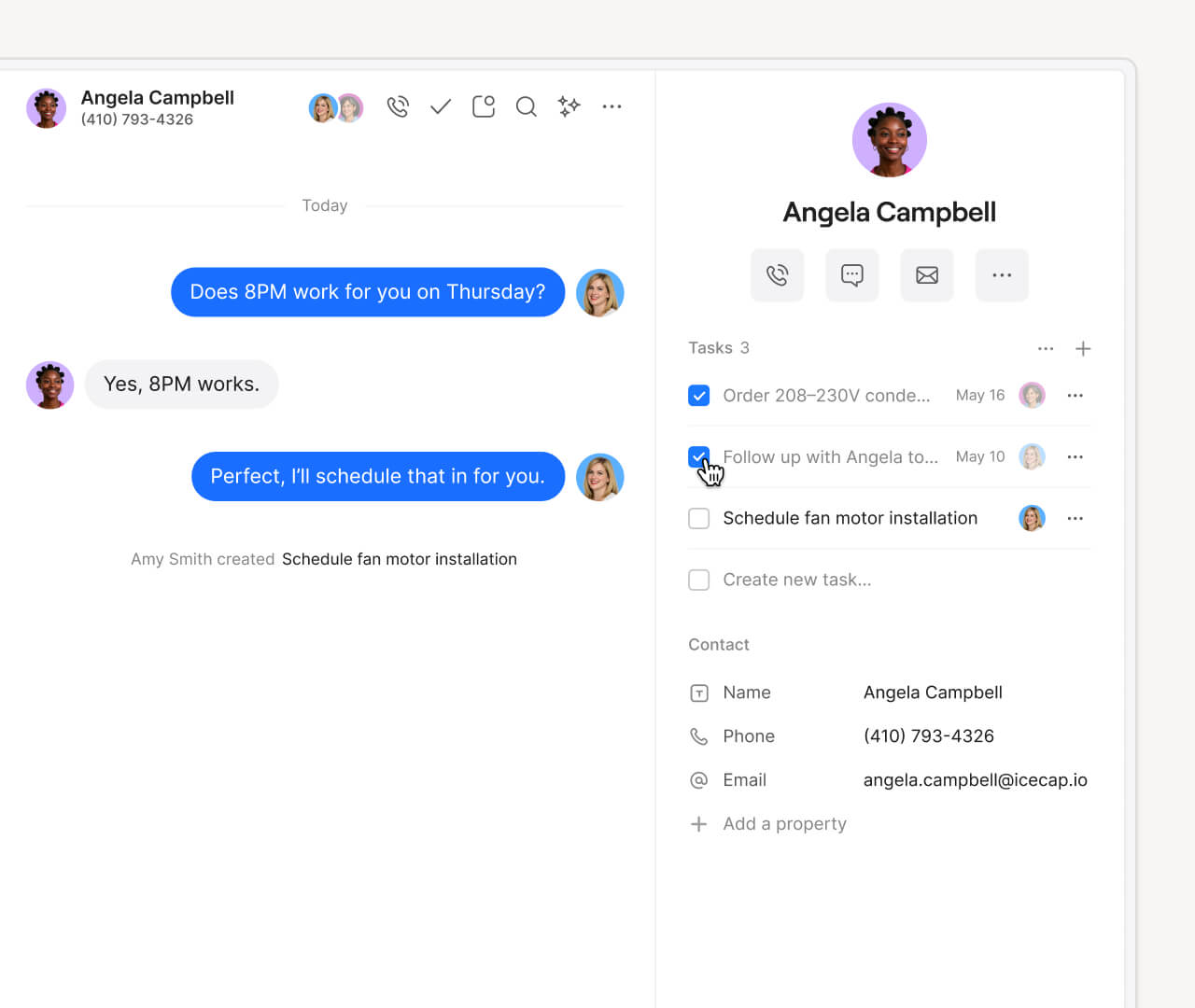
No setup required. Tasks is available in every conversation sidebar and inbox — just open a conversation and start creating.
Many people create tasks for callbacks, job details, and follow-ups. Check out this blog post with more examples of what people are using Tasks for.
Request an AI summary of Quo and ask anything


.svg)
.svg)
.svg)